
An honest breakdown from a no-code designer and developer. Both are great tools, but they're built for very different jobs. Here's how to choose.
Framer is the new hot web development tool on the market - designers love it, SaaS companies are leaving their current platforms to switch to Framer, and it seems like it’s the only tool designers are using on X.
So why should companies still use Webflow?
I’ve been building sites with no-code tools professionally for 5+ years and have personally seen what happens to sites that need to scale and have organic search as part of their marketing plan.
Let’s breakdown the strengths and weaknesses Framer vs Webflow, and find out for sure if it’s the right platform for your business.
The truth is, neither of these tools are necessarily better than the other one. While both are used to develop websites faster than normal code, they have different use cases based on your situation.
Framer is a design-first page builder that is built for speed and visual impact. It has a very similar UI to Figma, which is why so many designers naturally gravitate towards it.
It’s best use cases are quick landing pages, portfolios, and MVP sites.
Webflow is a full website platform - it supports design, CMS, hosting, and detailed SEO controls all in one platform. More of a learning curve than Framer, this is because the UI is built with frontend languages defining how the UI is designed (HTML, CSS, Javascript).
Best for sites that need to grow, rank, and scale over a longer period of time.
Framer is built for the sprint. Webflow is built for the marathon.
Neither is necessarily better than the other one, they’re optimized for different outcomes and situations.
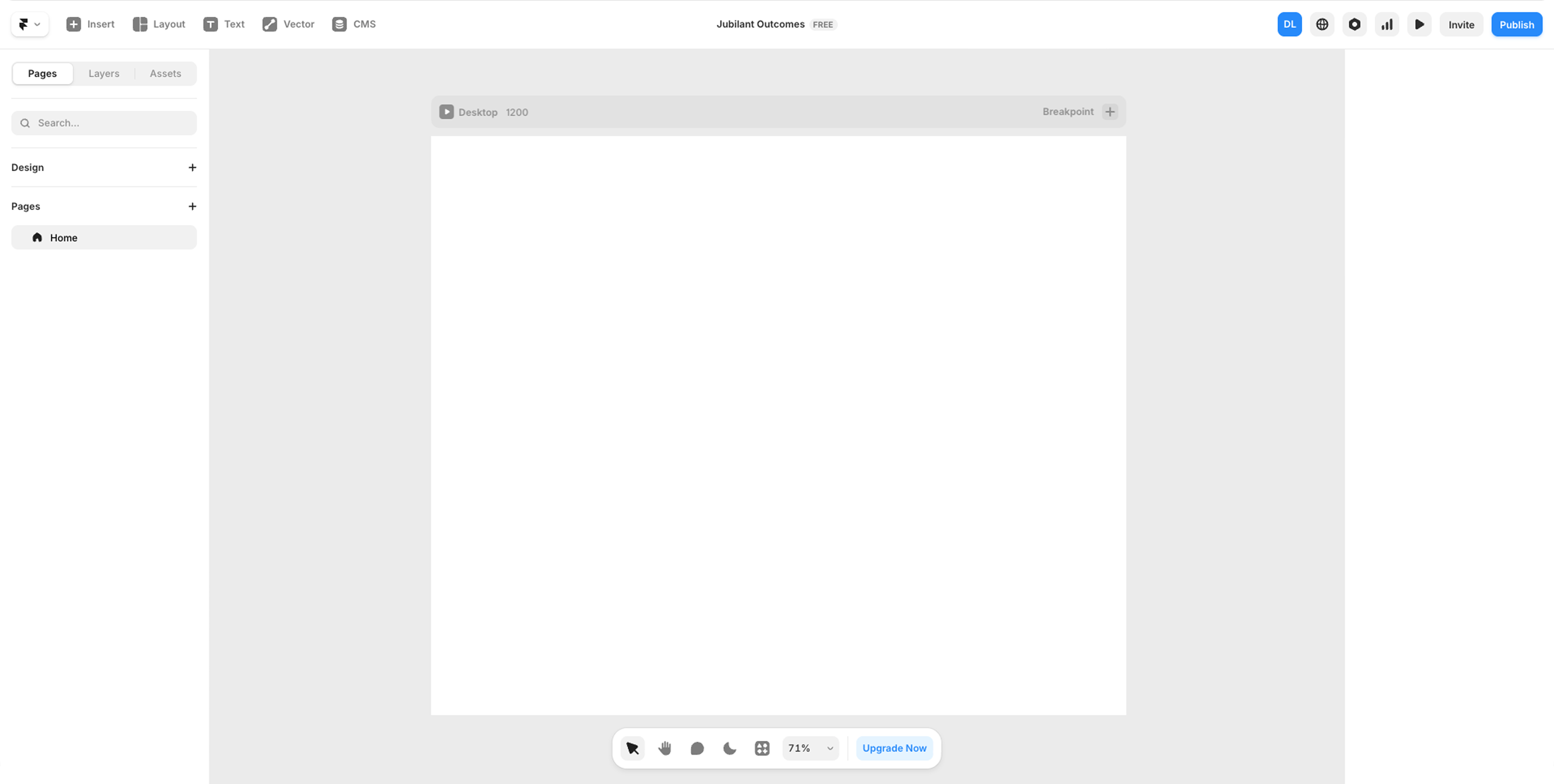
Framer tends to be the right tool when time is of the essence and your team needs to move fast.
Designers, portfolios, early-stage startup landing pages, and MVPs where speed and visual impact matter more than organic SEO.
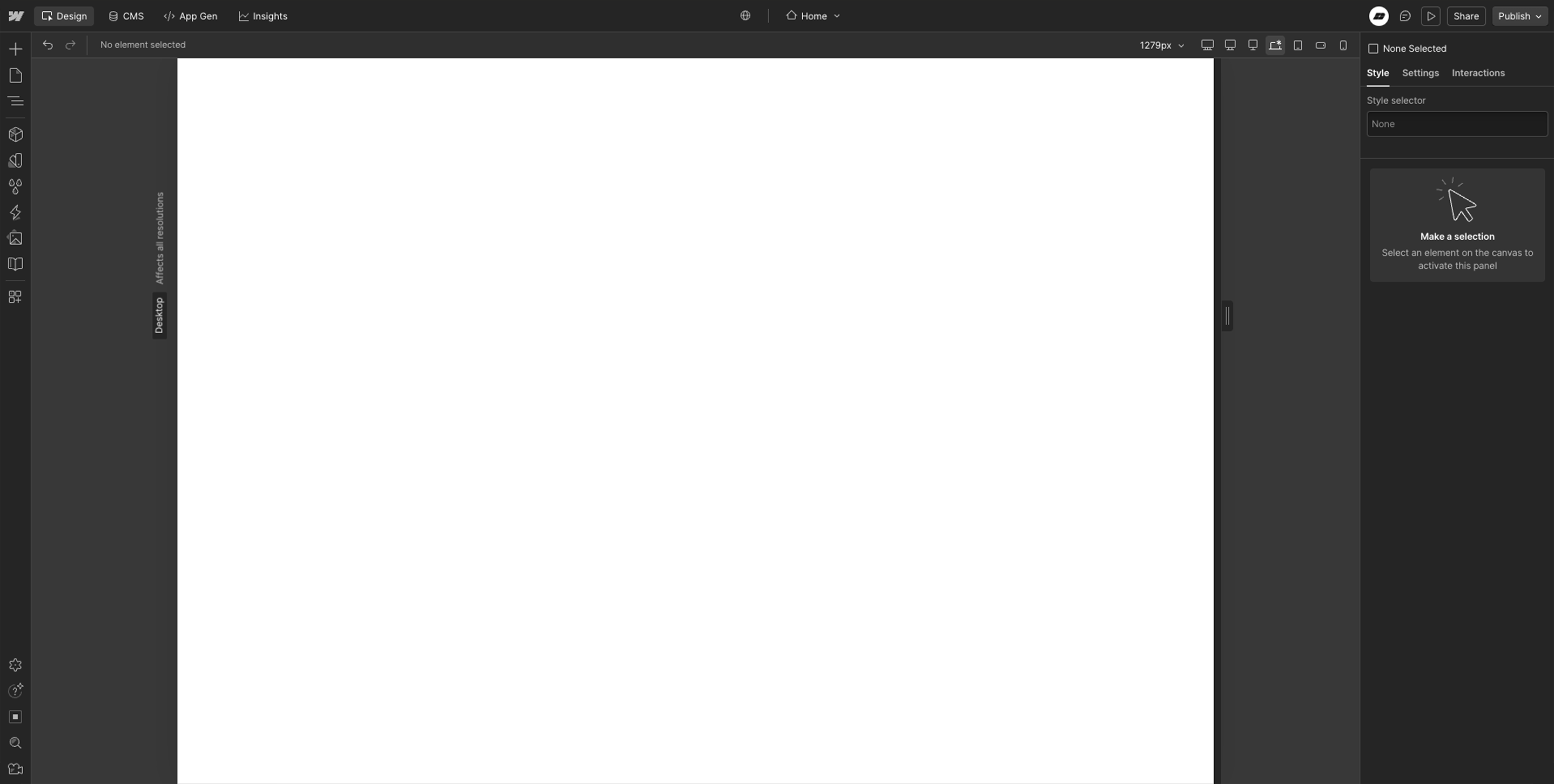
Webflow tends to be the right tool when your website needs to be a genuine growth engine - not just a digital brochure, but a platform that brings in leads while you sleep.
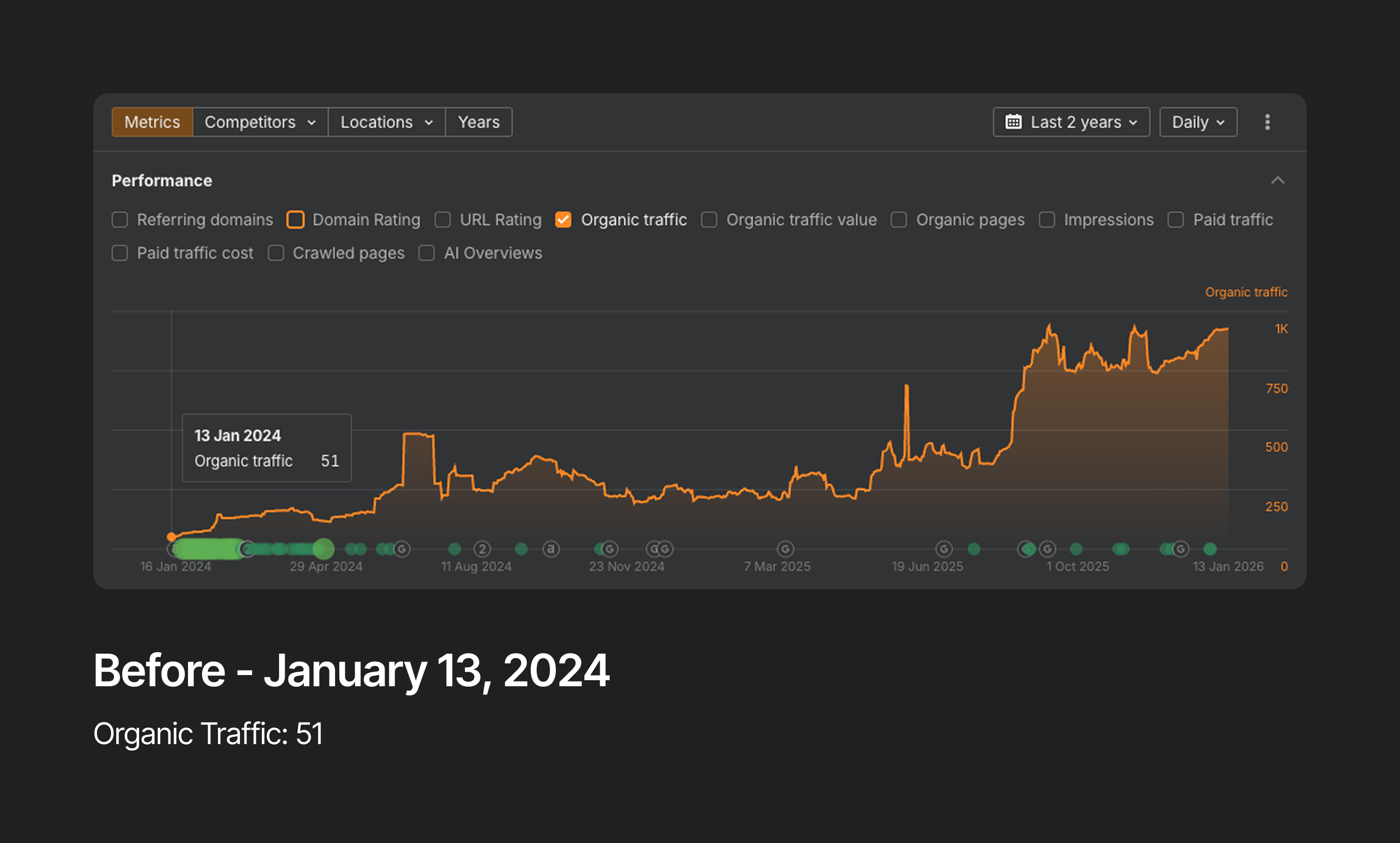
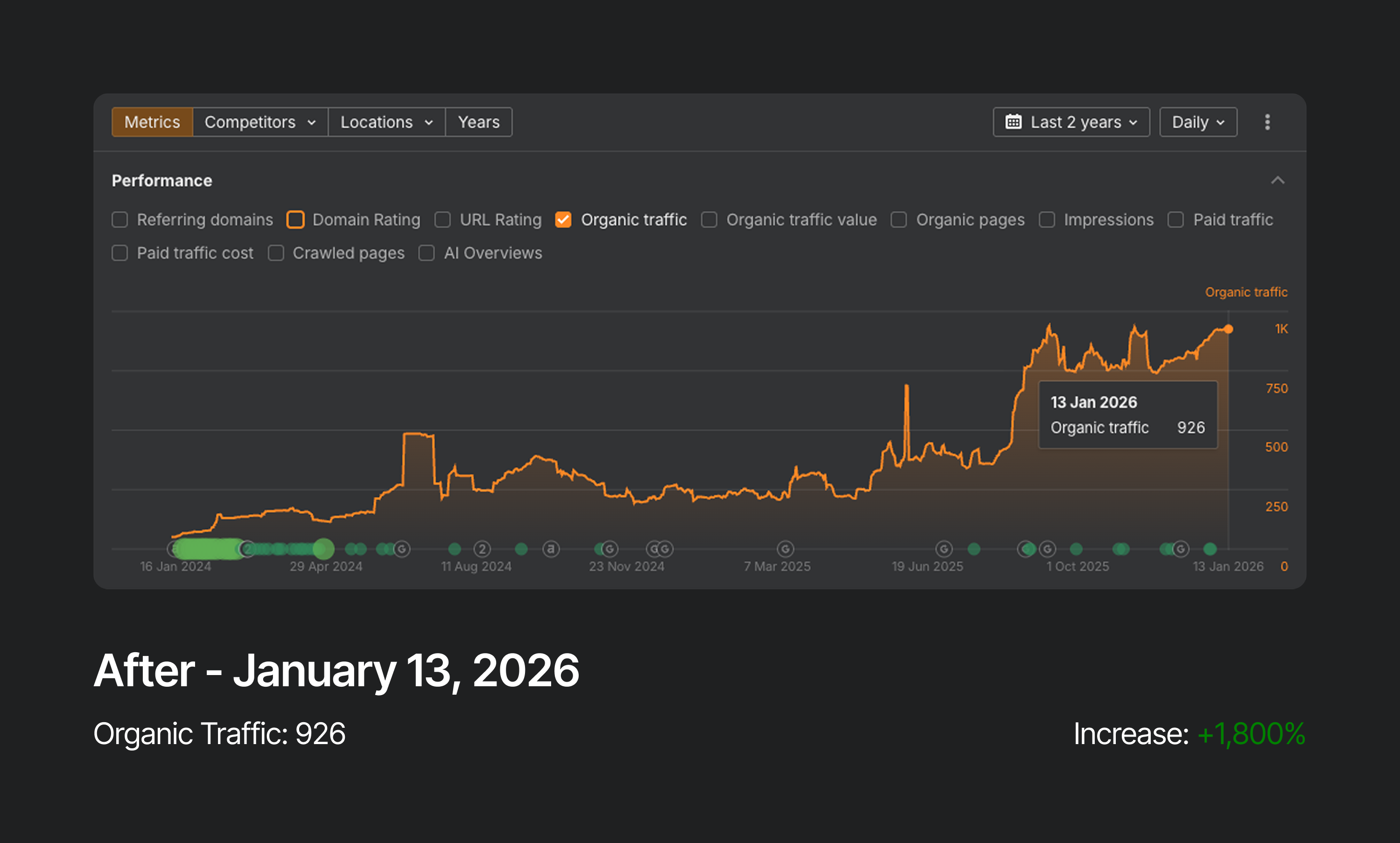
One of the sites I manage went from near-zero organic traffic to 18x growth and 33x more inbound leads through a Webflow redesign and long-term SEO campaign. That kind of compounding result comes from having granular control over every SEO variable - and that control lives in Webflow.
Webflow wins for: SaaS startups, service businesses, local businesses, and anyone running a content strategy where organic search is a main growth channel.
Deciding which tool to use depends highly on what stage your company is in and what your needs would be moving forward.
Many SaaS teams start on Framer and migrate to Webflow at Series A - that’s actually a sensible path. Validate on Framer, then scale on Webflow.
A founder who builds their website on Framer and then tries to run an extensive SEO content strategy will hit a wall fast, and migrating to a different platform means a full rebuild.
If you want the quick version, here it is:
Framer wins on design speed, native animations, and ease of use - it's the faster path from idea to live site, and for simple blogs and portfolios the CMS does the job. The learning curve is genuinely lower, especially if you're coming from Figma
Webflow wins on everything SEO-related - schema markup, CMS depth, redirect management, and the kind of granular content controls that compound into real organic traffic over time. It also wins for teams where non-developers need to manage content, and for sites that are going to grow well past 30 pages
Pricing is comparable on the surface, but Framer's October 2025 plan changes tightened the lower tiers significantly - once you need a blog and a case studies section, you're on Pro either way. Factor that into the cost comparison.
The one thing worth knowing before you choose: migrating from Framer to Webflow means a full rebuild from scratch. There's no export. If you think you'll eventually need Webflow's scale and SEO infrastructure, starting there saves you a painful migration down the road.
If you need to move fast, look great, and organic search isn't part of your strategy yet - use Framer. It's an excellent tool for what it's designed to do, and for early-stage teams it's genuinely the right call.
If you need your website to rank on Google, scale with your business, and generate inbound leads over time - use Webflow. The steeper learning curve pays off the moment SEO becomes part of how you grow.
The honest truth is that many teams use both: Framer to launch fast, Webflow to scale. If that's your path, just plan the migration early - because rebuilding from scratch later is a cost worth avoiding if you can see it coming.
Still not sure which is right for your project? Book a free 30-minute call - I'll tell you in the first 10 minutes.
Book a 30-minute discovery call to explore your project goals, timeline, and next steps. Simple as that.

